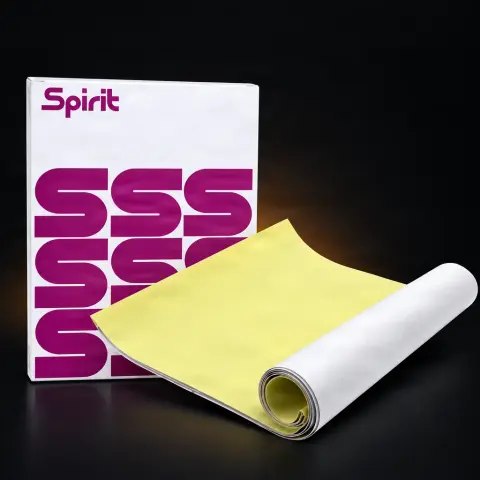
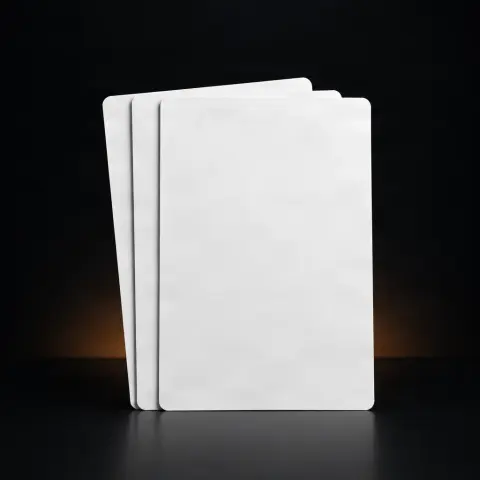
It is a consumable for tattoo artists who work with stencils printed directly from a computer, not manually copied. The specially treated surface retains the ink of an inkjet printer, so a digital design (from Procreate, Photoshop, or Illustrator) ends up on paper ready for transfer to the skin. The sheet is semi-transparent, so it can also be used for tracing, and is especially useful for designs with many fine details and for high-volume shops.
Which printer can I use this sheet with?▾
With any standard office-format inkjet (ink-based) printer. The description mentions brands like Epson, Canon, and HP, and Epson is often preferred because it uses pigment-based ink, which holds better. Set the printer to maximum resolution (300+ dpi) and a high-quality profile.
Can it be used with a laser printer?▾
No. The sheet is treated for inkjet ink; laser printers use toner (thermal powder) which does not adhere properly to this surface and may damage the printer. Use it exclusively with inkjet printers.
What transfer solution do I need to move the stencil to the skin?▾
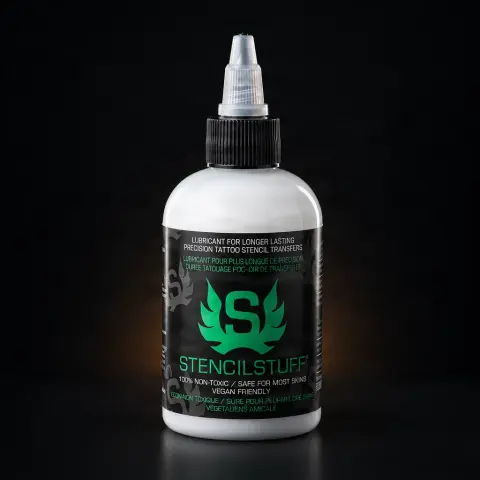
A transfer solution applied to the skin before positioning the sheet: most commonly stencil cream/gel (such as Spirit Stencil Transfer Cream, Stencil Stuff, or EZ Tattoo Transfer Gel), alternatively a stencil spray, or aloe vera gel as a milder option. Apply a thin layer, press the sheet evenly, and wait 30-60 seconds before lifting.
How detailed does the stencil come out?▾
It depends on the printer resolution and ink quality. At 300+ dpi you can reproduce fine lines, textures, and small text much more precisely than by manual copying. Keep in mind that very thin lines (under ~0.3 mm) may transfer incompletely, and gradients appear as a halftone pattern, not a continuous fade.
Can the sheet be reused and how do I maintain it?▾
No, each sheet is single-use: once printed and transferred, it cannot be reused. Unused sheets should be stored flat, in a dry, clean place, away from moisture, dust, and direct contact with the treated side, to remain suitable for printing.
How is it different from a classic (carbon) transfer sheet?▾
The classic sheet involves manually copying the design onto carbon paper — slow and error-prone. This sheet receives the design directly from the printer: it is fast, precise, and identically reproducible each time, ideal for fine details. However, it requires an inkjet printer and a higher cost per sheet, and some inks may transfer less effectively than traditional carbon.