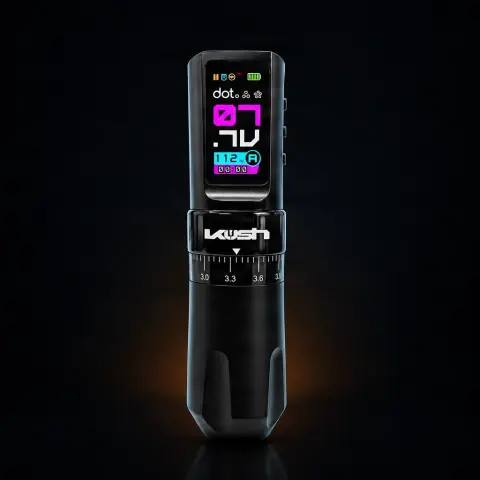
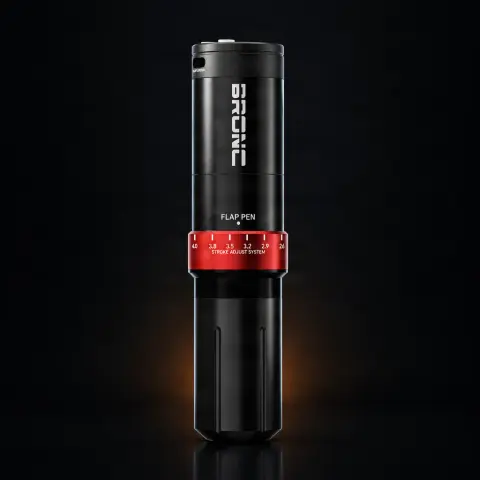
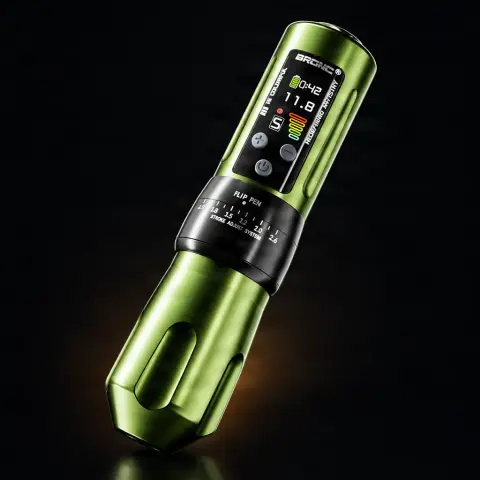
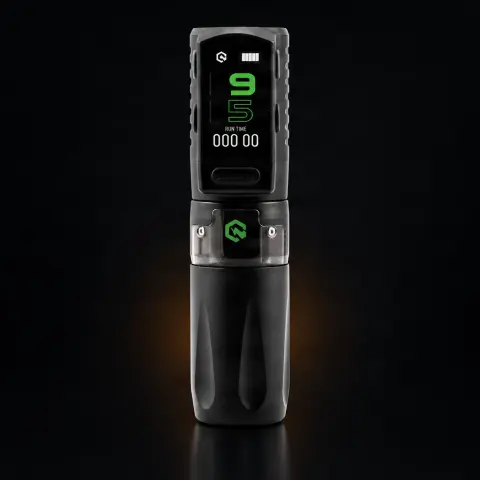
Equalizer Wireless Neutron 2 tattoo machine
KwadronSpecifications
- Brand
- Kwadron
- Stroke
- 2.6–4.0 mm
- Battery life
- 5 hours
- Charging time
- 1.5 hours
- Weight
- 210 g
- Length
- 137 mm
- Motor power
- 7 W
- Voltage
- 4–12 V
Ghiduri utile:Cum alegi mașina de tatuat — ghid complet pentru 2026Rotativă vs bobină vs pen — comparație completăMașină de tatuat wireless vs cu cablu — ce ți se potrivește
Guide & full description
Complete guide: Equalizer Wireless Neutron 2 tattoo machine
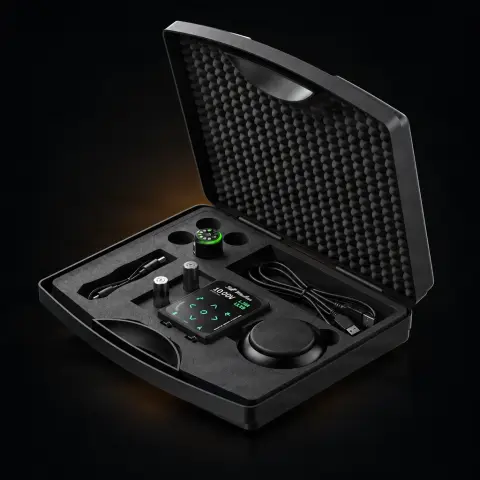
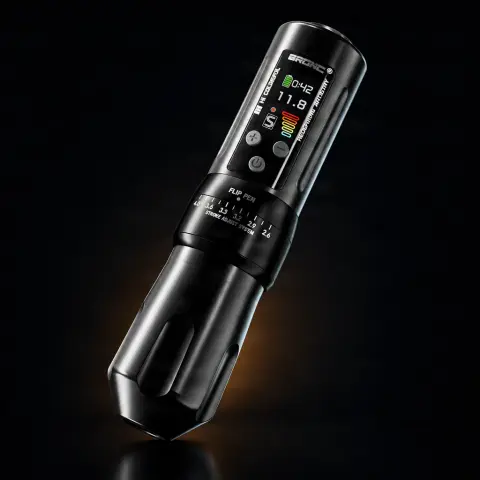
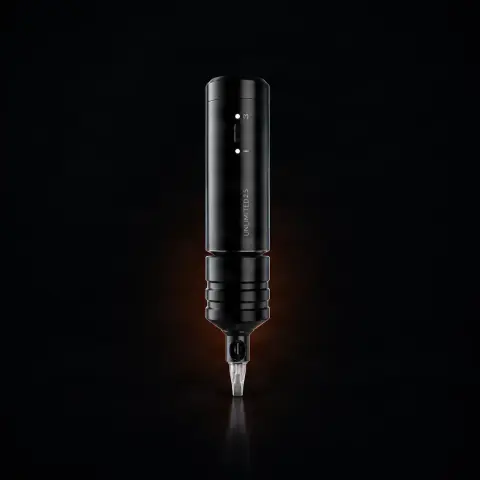
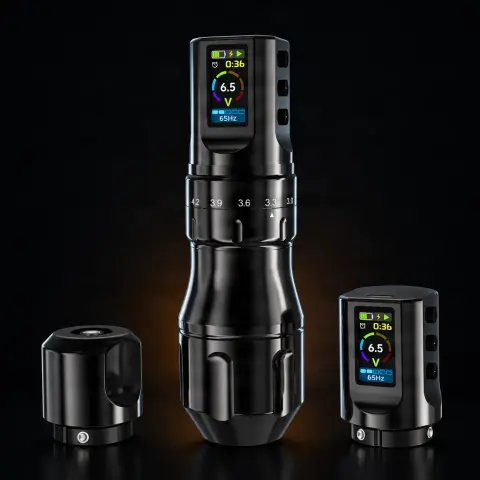
The Neutron 2 from the Equaliser range by Kwadron is a wireless pen-style tattoo machine, the successor to the Neutron model, designed for artists who want freedom of movement without cables and fine control over working parameters. With adjustable stroke between 2.6 and 4.0 mm, adjustable voltage 4–12 V, and a dedicated SMP/DOT mode, it covers both linework and shading as well as micropigmentation. The package includes two replaceable 2100 mAh batteries, so you can work long sessions without charging breaks.
How to use
- Before the first session, fully charge both batteries with the USB-C cable and adapter from the package — a full charge takes about 1.5 hours.
- Sanitize your workstation, put on gloves, and cover the machine with a disposable protective barrier (pen machine cover/film), leaving the display visible.
- Attach the battery to the machine and mount a sterile, disposable needle cartridge suitable for the technique you are working on.
- Adjust the stroke in the range of 2.6–4.0 mm according to technique and style, then set the voltage between 4 and 12 V; you can save 4 voltage presets for each power mode that you use frequently.
- If you are left-handed, rotate the orientation of the color display for comfortable reading.
- Turn on the machine (the Jump Start function makes starting simple), check the needle movement, and do a test on a practice surface before touching the skin.
- During the session, monitor the parameters on the display and use the built-in session timer; when the battery runs low, switch it with the second charged battery and continue working.
- At the end, dispose of the cartridge in the sharps container, remove the protective barrier, then wipe the machine with a surface disinfectant compatible with electronic equipment.
Tips from us
- Always keep the second battery charging during the session — with up to 5 hours of operation per battery and 1.5 hours of charging, you practically never run out of power.
- Save the 4 voltage presets for your usual techniques (e.g. lines, shading, filling) to quickly switch between them without manual adjustments at each change.
- For dot micropigmentation and scalp, use the dedicated SMP/DOT mode, which allows full adjustment of needle movement and frequency.
- Adjust the stroke according to style: generally, a shorter stroke is preferred for fine shading and delicate pigment, while a longer stroke is for lines and filling — test on synthetic skin until you find your settings.
- Use the session timer to track your work pace and breaks, especially on long projects.
- The 27.5 mm grip and 210 g weight make the machine comfortable for long sessions, but it's still worth taking regular hand breaks.
Frequently asked questions
How long does the battery last and what do I do if it runs out mid-session?▾
Each 2100 mAh battery provides up to 5 hours of continuous operation, and a full charge takes about 1.5 hours. Since the package includes two replaceable batteries, you can simply swap the depleted one with the spare and continue the session, putting the first one to charge with the included USB-C cable.
Is it suitable for beginners or only for experienced artists?▾
It is a professional machine, but its flexibility makes it beginner-friendly too: you adjust voltage in fine steps between 4 and 12 V, adjust stroke between 2.6 and 4.0 mm, and save presets so you don't get lost in settings. If you are a beginner, the general recommendation remains the same as for any machine: practice a lot on synthetic skin before working on clients.
How do I properly sanitize the machine between clients?▾
Cover the machine body with a disposable protective barrier before each session and change it for each client. After the session, discard the barrier and cartridge, then wipe the machine with surface disinfectant wipes or solution suitable for electronic equipment — do not submerge in liquid and do not autoclave, as it has electronics and a battery inside.
How does the adjustable stroke of 2.6–4.0 mm help me in practice?▾
The stroke determines how long the needle travels each cycle, which affects how the pigment is deposited. With an adjustable range of 2.6–4.0 mm on the same machine, you no longer need separate machines for different techniques: you can set it softer for shading and fine pigment or more aggressive for lines and filling, depending on your style.
Can I use it for scalp micropigmentation (SMP)?▾
Yes, the Neutron 2 has a dedicated SMP/DOT mode, designed exactly for dot micropigmentation and scalp, with the ability to fully adjust needle movement and frequency. It's one of the features that sets it apart from machines without dedicated modes.
I am left-handed – can I work comfortably with it?▾
Yes. The built-in color display can change its orientation, so the parameters are read just as comfortably whether you hold the machine in your right or left hand. Add the balanced dimensions — 137 mm length, 27.5 mm grip, and only 210 g — and you get a machine comfortable in both hands.
Product description
You might also like
Reviews
No reviews yet. Bought this product? Be the first to leave one.