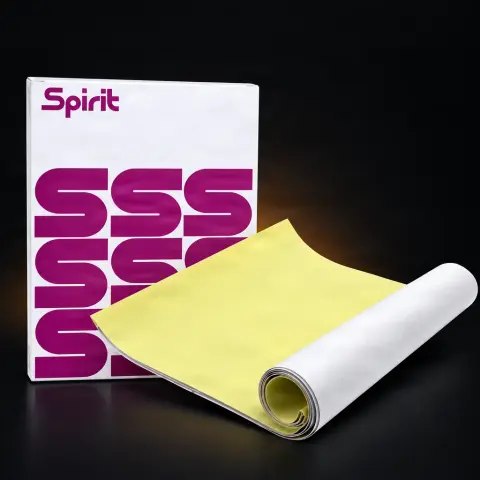
The Unistar thermal transfer paper roll, 210 mm wide and 30 m long, is the consumable you load into your thermal stencil printer to print the design and then transfer it onto the skin. The roll format lets you cut exactly the length you need for each job — from small stencils to large compositions — without the typical waste of pre-cut sheets. It is designed for artists and studios that use large volumes of transfer paper and want good value for money, with the 210 mm width being compatible with A4 format and standard industry thermal printers.
Is the roll compatible with my Brother PocketJet printer?▾
Yes. The Unistar 210 mm × 30 m roll is compatible with Brother PocketJet models (PJ-700, PJ-800, and newer series) — the 210 mm width matches the feed slot. Set the paper size to 'Custom' in the printer driver, with width 210 mm and the desired length. You can manually feed cut pieces from the roll or use the optional PocketJet roll holder. The roll also works with other professional thermal printers with a feed width of 210 mm or wider.
How many A4 sheets do I get from a 30 m roll?▾
Mathematically, a 30 m roll at 210 mm width is equivalent to approximately 100 A4 sheets. In practice, you can get even more from actual use because you cut exactly the length needed for each design and don't end up with unused portions, as with pre-cut sheets. That's why the roll format is the efficient choice for studios with a constant stencil consumption.
What stencil solution should I use with this roll?▾
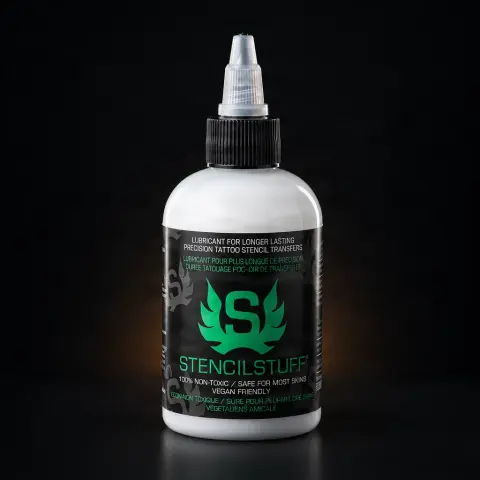
The roll works with all professional stencil solutions on the market — common combinations include Electrum (Gold or Standard), Spirit Stencil, Stencil Stuff, and Unistar Nebula, from the same Unistar ecosystem. The thermal pigment has no special solution requirements, so the choice depends on your preference as an artist: adhesion, drying time, and your working style.
Can I draw manually on this paper, without a printer?▾
It is not recommended. This roll is designed for thermal printers: the reactive layer needs the heat of the print head to transfer the pigment. For manual freehand tracing, hectograph or carbon paper is suitable, which transfers pigment through mechanical pressure. If you work in both styles, keep both types in stock: the thermal roll for the printer and hectograph/carbon paper for manual drawing.
How long does the stencil last on the skin and how is it cleaned after tattooing?▾
The transfer is designed to be visible on all skin tones and to last throughout the tattooing session, provided you have properly prepared the skin and let the stencil dry completely before starting. At the end of the procedure, any remaining pigment can be easily cleaned off the skin. For maximum durability, avoid touching or wiping the stencil area before it is fully dry.
How do I store the roll to prevent degradation?▾
Being thermal paper, the reactive layer is sensitive to heat — keep the roll in a cool, dry place, away from direct sunlight and heat sources. Keep it on the original rigid tube, which protects it from creases, and handle it with clean hands or gloves to avoid contaminating the surface that will come into contact with the client's skin.