

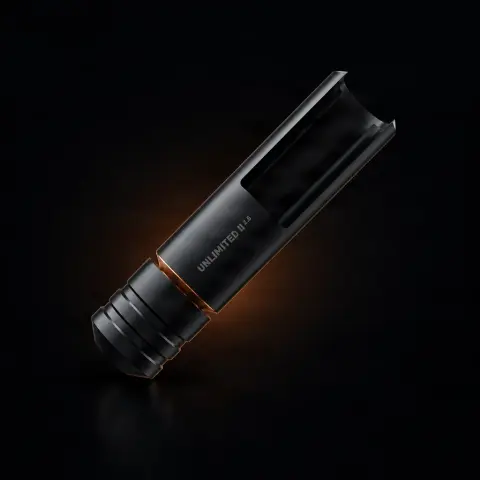
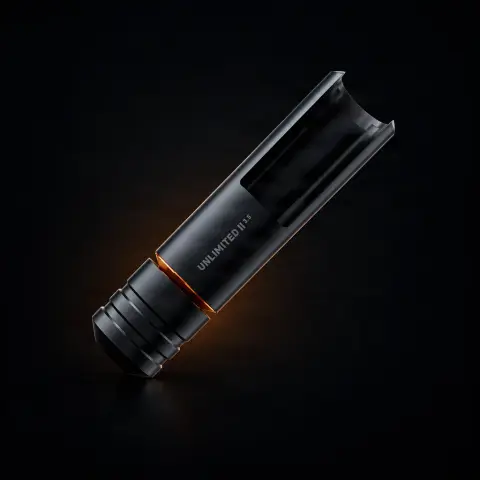
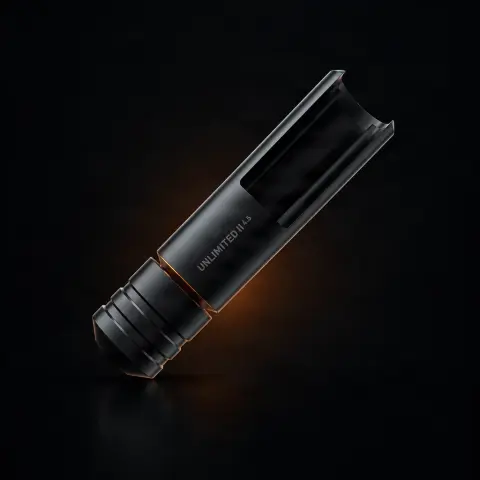
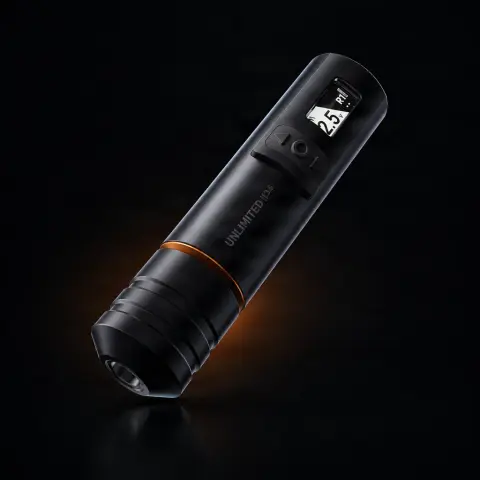
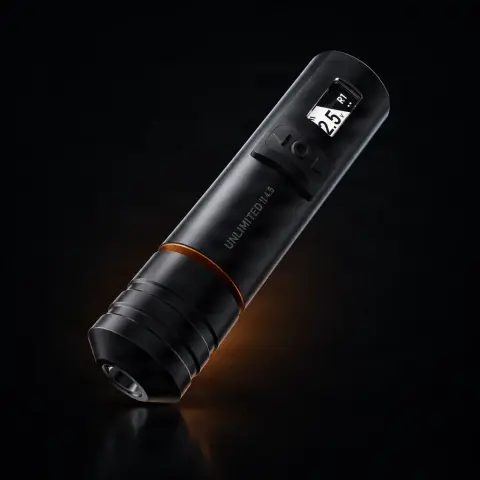
SOL Operating Unit – Add-on for SOL Nova Unlimited II
CheyenneOrder as a pre-order — it ships when back in stock.
Specifications
- Brand
- Cheyenne
- Compatibility
- SOL Nova Unlimited II
- Material
- Premium
- Battery life
- Hours
- Charging time
- Rapid
- Weight
- Optimal
- Usage
- Wireless
Useful guides:Cum alegi mașina de tatuat — ghid complet pentru 2026Rotativă vs bobină vs pen — comparație completăMașină de tatuat wireless vs cu cablu — ce ți se potrivește
Guide & full description
Complete guide: SOL Operating Unit – Add-on for SOL Nova Unlimited II
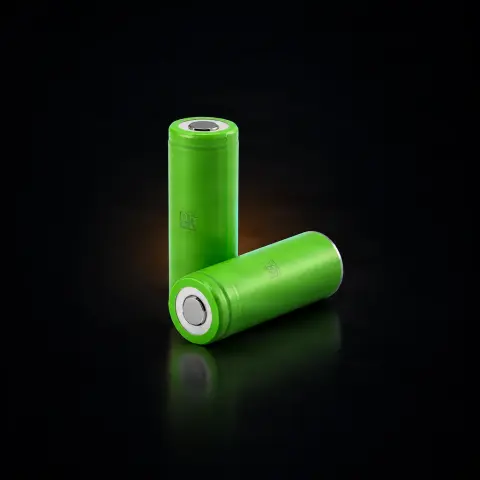
The additional Cheyenne operating unit for the SOL Nova Unlimited II system turns any SOL Drive Unit into a complete wireless tattoo machine. It is designed for artists who work cable-free and want either a backup unit ready to use or the ability to quickly switch between different strokes by swapping drive units. Essentially, it extends your Cheyenne modular system and ensures continuity during long sessions or conventions. Note: the package does not include batteries or charger — these are purchased separately.
How to use
- First, check that you are working with the Cheyenne SOL Nova Unlimited II system and that you have at least one SOL Drive Unit — the operating unit is designed exclusively for this model, not for the original SOL Nova, Hawk Pen, or other Cheyenne versions.
- Make sure you have compatible Cheyenne batteries and the corresponding charger, purchased separately — they are not included in the package. Charge the battery fully before the session.
- Insert the charged battery into the operating unit, then attach the unit to the drive unit via the quick-connect mechanism of the modular system, without additional tools — the assembly becomes a complete machine.
- Adjust your desired working settings; the operating unit saves the settings for each stroke, so you don't have to reconfigure at every change.
- When you want a different stroke while working, simply switch to another drive unit — the swap takes just two clicks, and the saved settings apply automatically.
- Watch the LED indicators for the charge level; when the battery is low, switch to the backup unit or charged battery and continue the session without interruptions.
- During work, cover the machine with a disposable protective barrier; after the session, disassemble the unit, remove the battery, and disinfect the surfaces according to your studio's hygiene protocol.
Tips from us
- Use it as a backup unit that is always charged — during long sessions or conventions, quickly switching between units eliminates forced recharging breaks.
- If you have multiple drive units with different strokes, organize them clearly at your workstation so you can switch in seconds — the unit remembers the settings for each stroke anyway.
- Order the batteries and charger along with the unit so you don't discover at your first session that you can't use it — they are not included in the package.
- Stick to original Cheyenne accessories for this system — ecosystem compatibility is what guarantees operation without additional vibrations or performance loss.
- Do not pour disinfectant directly onto the unit: use wipes or cloths with surface disinfectant so liquid does not penetrate the electronic components.
Frequently asked questions
Which Cheyenne machines is this operating unit compatible with?▾
It is designed exclusively for the Cheyenne SOL Nova Unlimited II. It is not compatible with other Cheyenne models, such as the original SOL Nova, Hawk Pen, or other versions. If you have a different model, check the accessory dedicated to your machine before ordering — exclusive compatibility is what guarantees correct integration with the modular system.
Does it come with a battery and charger in the package?▾
No. The package contains only the operating unit, WITHOUT batteries and WITHOUT charger — these are purchased separately. If this is your first unit of this kind, factor in the cost of batteries and charger from the start so you have a fully functional system from your first session.
Why would I need an additional operating unit if my machine already works?▾
For continuity: when a battery runs out, you simply switch to the charged backup unit and continue working, without depending on a single power source. Additionally, the unit turns each SOL Drive Unit into a complete machine, so you can quickly switch between different strokes — the swap takes two clicks, and the settings for each stroke remain saved. It is especially useful for artists with busy schedules and at conventions.
Are settings lost when I change the drive unit while working?▾
No. The operating unit saves the settings for each stroke, so when switching between drive units you don't waste time reconfiguring — you resume work directly with the stored parameters. This is exactly the advantage of the modular system: you change the configuration without interrupting your workflow.
Does machine performance drop as the battery drains?▾
No — Cheyenne technology maintains constant speed and impact force throughout battery discharge, regardless of charge level. The LED indicators constantly inform you about the battery level, so you can plan the switch to the backup unit in advance, without surprises in the middle of a line.
How do I properly sanitize the unit between clients?▾
Like any electronic component of a tattoo machine, it is not autoclaved. The basic rule: during work, protect it with disposable barriers (film or dedicated covers), changed for each client, and between sessions wipe surfaces with surface disinfectant applied to a cloth or wipe — never poured directly onto the unit. Remove the battery before cleaning and let surfaces dry completely before reassembly.
Product description
👁3 people viewed it this week
You might also like
Reviews
No reviews yet. Bought this product? Be the first to leave one.