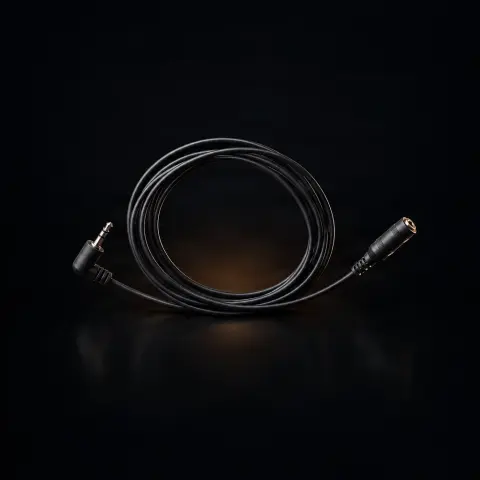
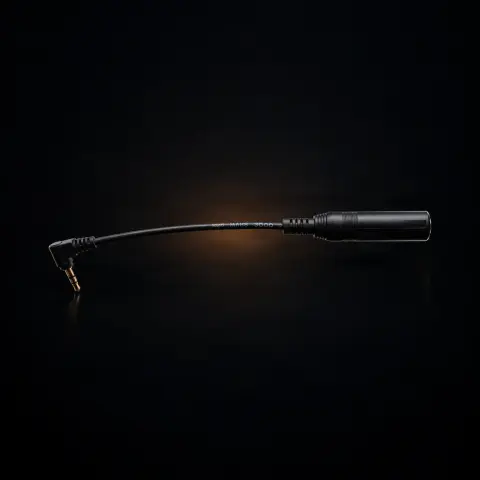
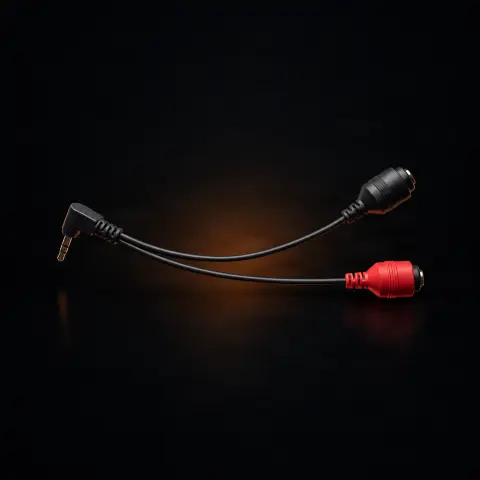
Cheyenne Start-Up Cable

Cheyenne
Cod produs: 371076
257,00 Lei
Fast delivery
Delivery 24-48h
14-day returnsWarrantyDelivery 24-48h
💵 Cash on delivery🔒 Secure order
1

Specifications

Brand
Cheyenne
Weight
220 g
Warranty
6 months
Conductor material
OFC Copper
Insulation material
Medical-grade
Compatibility
Cheyenne machines
Origin
Germany

Ghiduri utile:Sursa de alimentare pentru tatuaj — ghid pe înțelesPedale și clipcord pentru tatuaj: rol, tipuri și conecticăCritical: surse de alimentare și baterii wireless pentru mașini

Presentation video

Guide & full description

Complete guide: Cheyenne Start-Up Cable

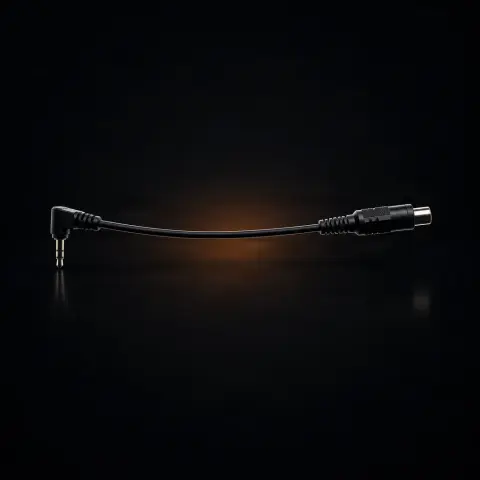
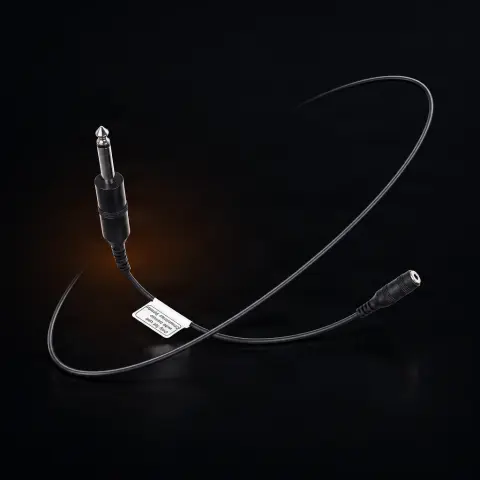
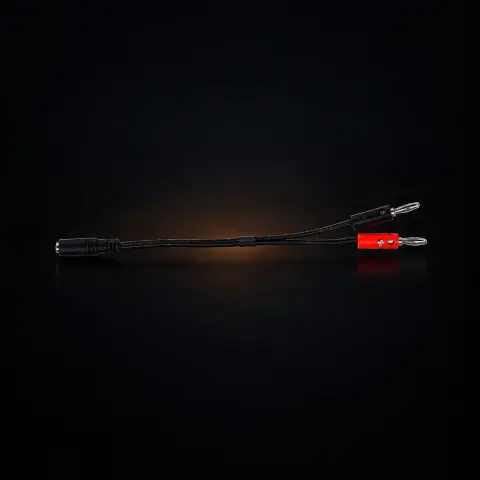
An original Cheyenne adapter that solves a very specific problem: Cheyenne machines have powerful motors that need a minimum voltage to start, and Cheyenne power supplies automatically provide this startup voltage — many universal power supplies do not. If you want to use a Cheyenne machine with another power supply, this cable ensures the necessary startup voltage. It is designed for artists who work with mixed power supplies in the studio or who don't want to give up their favorite non-Cheyenne power supply.

How to use

  1. First check if you really need it: if you are using a Cheyenne power supply, the startup voltage is provided automatically regardless of the setting — the cable is only useful with power supplies that do not offer this voltage.
  2. Turn off the power supply before any connection or disconnection.
  3. Connect the adapter cable between the non-Cheyenne power supply and the power chain of your Cheyenne machine, making sure both connectors are firmly seated with no play.
  4. Turn on the power supply and set the working voltage you normally use.
  5. Test the machine startup before the session to confirm everything works correctly from the start.
  6. During the session, cover the cable with a protective barrier, just like a regular clipcord.
  7. At the end, disconnect with the power supply off, wipe the cable with a surface disinfectant, and store it in a wide loop without tight bends.

Tips from us

  • Treat it like any cable in the work area: cover with a protective barrier during the session and wipe with surface disinfectant after each client.
  • Do not wrap it tightly around the power supply or your hand — repeated sharp bends are the main cause of failure for any cable; store it in a wide loop.
  • Periodically inspect the connectors and insulation: a cable with cracked insulation or loose connectors can cause interruptions and unpredictable machine behavior during a session.
  • If the machine still doesn't start with this cable, first check the power supply, its settings, and the rest of the connection chain before suspecting the machine.
  • Keep your proof of purchase: the product has a 6-month warranty, and after a repair you receive an additional 6 months of warranty.
Warning: Sanitize the cable only by wiping with disinfectant wipes or surface disinfectant solution — do not immerse in liquids, do not spray directly on connectors, and do not heat sterilize (it is not intended for autoclaving). Always connect and disconnect with the power supply off, and during work use disposable barriers over the cable, as with any equipment in the tattooing area.

Frequently asked questions

What exactly is this cable used for? Doesn't the machine work without it?

Cheyenne machines have powerful motors that need a minimum startup voltage. Cheyenne power supplies always provide this voltage regardless of the setting, so there the machine starts without issues. The problem arises when you connect the machine to a different type of power supply that does not provide the startup voltage: the machine may not start at all, even though the power supply seems set correctly. The Start Up Facility cable provides exactly this startup voltage, making it possible to use the Cheyenne machine with such power supplies.

I already have a Cheyenne power supply — do I need this cable?

No. Cheyenne power supplies automatically provide the necessary startup voltage for the motor, regardless of the chosen setting, so in a Cheyenne machine + Cheyenne power supply combination, the cable adds nothing. It only makes sense if you want to power a Cheyenne machine from a different brand power supply that does not offer this startup voltage.

How do I know if my non-Cheyenne power supply needs this adapter?

The typical sign is that the Cheyenne machine does not start or starts with difficulty from that power supply, even though the same power supply correctly powers other machines, and the Cheyenne machine works normally on a Cheyenne power supply. Check your power supply documentation to see if it mentions providing a startup voltage; if you are unsure, write to us with the exact model of machine and power supply and we will help you confirm before ordering.

How do I sanitize and maintain the cable between clients?

Like any studio power cable: during the session cover it with a protective sleeve or disposable barrier film, and between clients wipe it with a surface disinfectant, with the power supply off and cable disconnected. Do not immerse it in liquids and do not put it in an autoclave — heat sterilization destroys electrical cables. For storage, make a wide loop without tight bends to protect the conductors and connectors long-term.

What warranty does it have and what do I get if it breaks?

The product is an original Cheyenne accessory and has a 6-month warranty. In addition, after a warranty repair you receive an additional 6 months of warranty. Keep the invoice or proof of purchase — it is required for any warranty claim.

I connected the machine to a third-party power supply via this cable and it still doesn't start. What should I check?

Go step by step through the power chain: first check that the power supply is on, functional, and set to a normal working voltage, then that all connectors — from the power supply, through the adapter cable, to the machine — are firmly seated with no play. Test, if possible, the machine on a Cheyenne power supply and the third-party power supply with another machine, to isolate the faulty link. If everything works separately but the combination doesn't, contact us with the exact machine and power supply models so we can check compatibility together.


Product description

Cheyenne Start-Up Cable Cheyenne tattoo machines are equipped with powerful motors that require a minimum voltage to start. Our Power Units always provide these when starting, regardless of the setting. If you want to connect a Cheyenne tattoo machine to another tattoo power supply that does not provide this starting voltage, the start-up cable ensures the required voltage. The Cheyenne Start Up Facility adapter cable is an original Cheyenne accessory designed to simplify the initialization and testing process of Cheyenne machines. This specialized cable enables quick machine-to-power-supply connection for functionality verification before sessions, without needing to go through the entire standard connection chain. The Start Up Facility is part of Cheyenne's studio efficiency philosophy — every second saved during setup translates to more time dedicated to art. The cable is manufactured to the same premium standards as all original Cheyenne accessories: OFC copper conductors, flexible medical-grade insulation, and precision connectors with anti-corrosion treatment. The design is optimized for quick handling and intuitive connection, reducing connection errors that can occur during pre-session rush. Compatible with Cheyenne machines from the current range that support this facility — check your model's specifications. Like all Cheyenne accessories, the Start Up Facility cable meets the highest German quality standards, with rigorous control of dimensional tolerances and electrical properties. Ideal for high-volume studios where setup efficiency is critical, and for mobile artists who need to quickly verify equipment functionality at each new location. Original Cheyenne product, manufactured in Germany. Frequently Asked Questions

You might also like

Reviews

No reviews yet. Bought this product? Be the first to leave one.

You get 25 points for a review, 50 if you add a photo.