

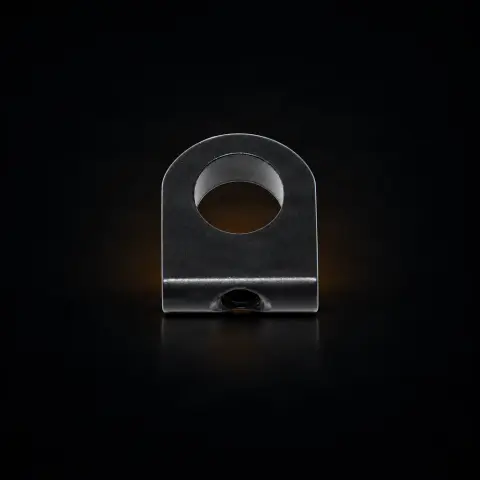
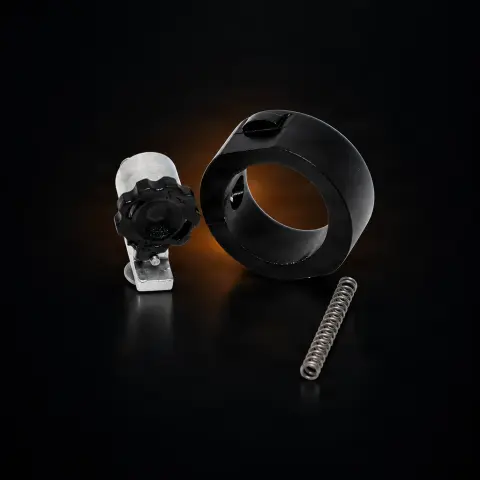
Inkmachines nr. 03 - Cap - 1pcs
Ink MachinesSpecifications
- Brand
- Ink Machines
- Packaging
- 1 pcs
- Material
- Anodized aluminum alloy
- Color
- Inkmachines standard colors
- Compatibility
- Inkmachines Scorpion
- Manufacturing
- Sweden
Useful guides:Piese de schimb Ink Machines — Dragonfly, Stingray, Scorpion, Cobra: ghidInkMachines — mașini suedeze și piese de schimb (Dragonfly, Scorpion, Stingray, Cobra)Întreținerea mașinii de tatuat: piesele de schimb esențiale
Guide & full description
Complete guide: Inkmachines nr. 03 - Cap - 1pcs
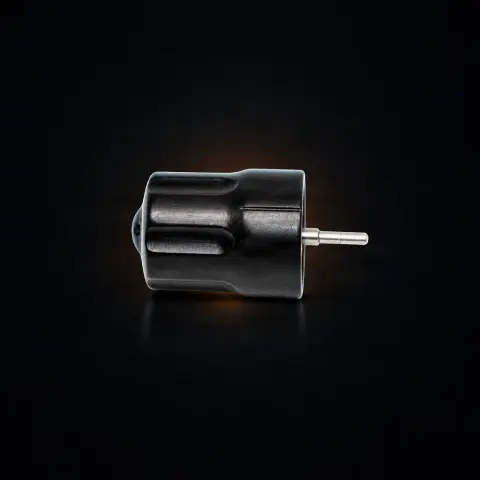
This is the original replacement part 'Cap' (no. 03) from the Ink Machines range — the top cover that seals and protects the internal mechanism of the rotary tattoo machine from ink, blood, and particles. According to the manufacturer's description, it is intended for the Scorpion machine (X1 variant), where, in addition to its protective role, the cap also serves to adjust the softness (give) of the needle bar by rotating. It is sold individually and is useful for artists who want to replace a scratched, dented, or deformed cap and restore the machine to its original protection and appearance.
How to use
- First, check the exact model of your machine. According to the description, part no. 03 is for Scorpion X1; the X2 model uses a different part (no. 03B), and the two are not interchangeable — only order if the fit is confirmed for your machine.
- Turn off the machine and disconnect it from the power source (RCA cable / power supply). Remove the used needle and grip, following your studio's safety protocol.
- Open the cap's locking mechanism (lock). Do not force — if something resists, first check that the lock is fully open.
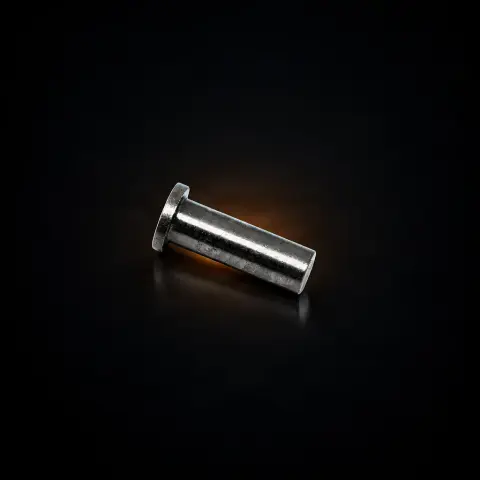
- Slide the old cap off the machine's slides until it is completely released.
- Clean and disinfect the mating area and check that the slides are clean and undamaged before assembly.
- Place the new cap on the slides and push it gently until it locks, then close the locking mechanism.
- On the Scorpion, test the adjustment by rotating the cap: check if the softness (give) of the needle bar changes. You should feel the adjustment acting under the needle bar pin, not over it.
- Apply a protective barrier (film/cover) and sanitize the surface before starting work.
Tips from us
- Never force the sliding or locking of the cap — the movement should be smooth. Resistance usually means an incompletely opened lock or dirty slides.
- If you work daily, keep a spare cap in the studio; a damaged cap can put you out of commission on a busy day.
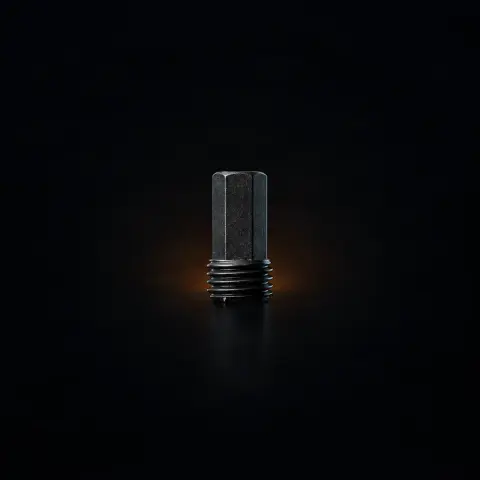
- If, after changing the cap, the softness adjustment still does not change, the cause is likely the adjustment screw (with a damaged hexagon), not the cap — see the FAQ section.
- For the first disassembly, consult the machine manual or technical support to avoid damaging the slides.
- Protect the anodizing with a barrier/film during the session; scratches on the cap are mostly cosmetic but affect the professional appearance of the equipment.
- Note the variant/color of the current cap if you want to maintain a uniform look of the machine when replacing.
Frequently asked questions
What exactly is part no. 03 'Cap'?▾
It is the top cover of the Ink Machines machine — the structural component that covers and protects the internal mechanism (motor, cams, shaft, electronics) from contamination with ink and biological fluids. On the Scorpion model, described in the product sheet, the cap also has a functional role: by rotating it you adjust the softness (give) of the needle bar. The sealed design, which isolates the internal components from the work area, is a defining feature of these machines.
Does it fit my machine? Is it the same for Scorpion X1 and X2?▾
According to the description, part no. 03 is intended for the Scorpion X1 model. The X2 model uses a different cap part (no. 03B), and the two are NOT interchangeable. Also, the product is listed in other Ink Machines parts categories, so always check the exact model of your machine before ordering — if you are unsure, ask us with the precise model of your machine.
When should I replace the cap?▾
When the anodizing is severely damaged (exposing aluminum to corrosion), when cracks or deformations appear from drops, when sliding on the slides is no longer smooth, or for aesthetic reasons (visible scratches on professional equipment). A deformed or incorrectly mounted cap can compromise the sealing that protects the internal mechanism.
I installed the new cap, but the softness adjustment still doesn't change. What should I do?▾
If rotating the cap no longer changes the softness and you don't feel the difference between soft/hard, the problem is most likely the adjustment screw (with a damaged hexagon), not the cap. First check that you feel the adjustment acting under the needle bar pin, not over it. If the hexagon is stripped — this can happen when it is tightened too hard at the end — you will need a new adjustment screw, not a cap.
How do I sanitize and maintain it?▾
Clean and disinfect the surface with solutions compatible with anodized aluminum, then let it dry completely. Use a protective barrier (film/cover) during the session to reduce wear on the anodizing and prevent ink and fluids from reaching the internal mechanism. A clean and intact cap maintains both the protection and the professional appearance of the machine.
Does it come in multiple colors?▾
According to the manufacturer's description, the cap is available in several color variants from the Ink Machines range, with colored anodizing being part of the machine's visual identity. Not all colors are necessarily in permanent stock, so check the availability of the desired variant on tatuat.ro or ask us.
Product description
You might also like
Reviews
No reviews yet. Bought this product? Be the first to leave one.