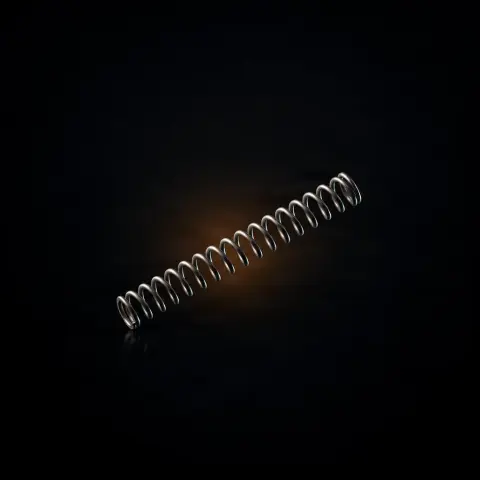
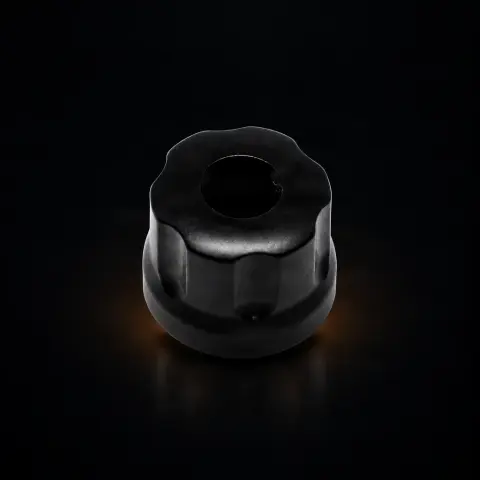
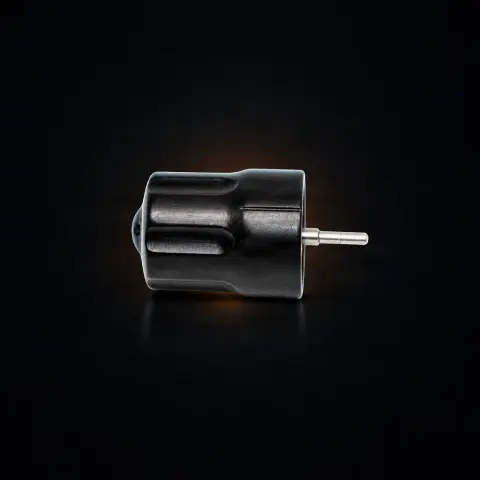
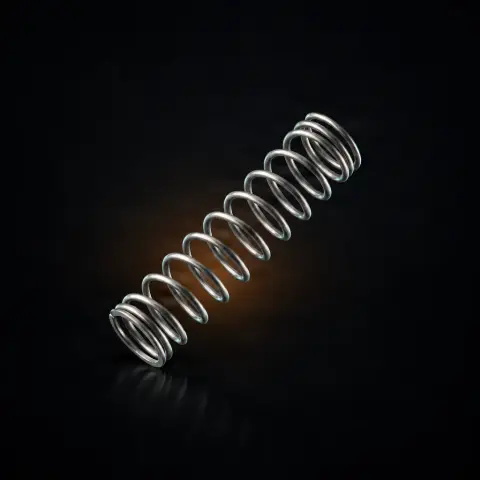
Inkmachines nr. 111 - Contact Plate - 1pcs

Ink Machines
Cod produs: 376686
27,00 Lei
Fast delivery
Delivery 24-48h
14-day returnsWarrantyDelivery 24-48h
💵 Cash on delivery🔒 Secure order
1

Specifications

Brand
Ink Machines
Packaging
1 pc
Material
Nickel-plated brass or copper-plated
Compatibility
Scorpion X1
Quantity
1 pc
Price
4.50€

Ghiduri utile:Piese de schimb Ink Machines — Dragonfly, Stingray, Scorpion, Cobra: ghidInkMachines — mașini suedeze și piese de schimb (Dragonfly, Scorpion, Stingray, Cobra)Întreținerea mașinii de tatuat: piesele de schimb esențiale

Guide & full description

Complete guide: Inkmachines nr. 111 - Contact Plate - 1pcs

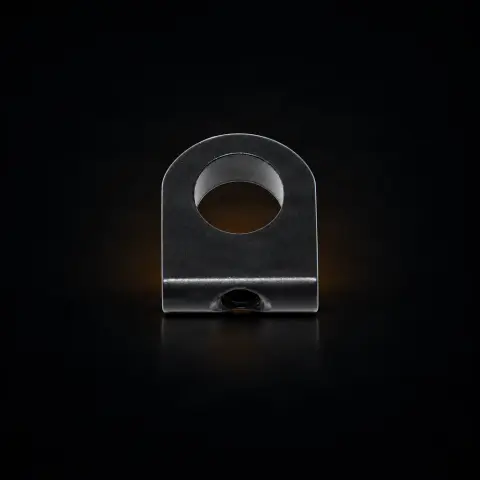
Part no. 111 is the original Ink Machines contact plate for the Scorpion X1 tattoo machine — the electrical component through which current passes from the power source (RCA or clipcord) to the machine's motor. It is a spare part, useful for artists who own a Scorpion X1 and need to replace a worn or oxidized contact. It does not change the way you tattoo, but restores the machine to a stable current transfer, without speed fluctuations.

How to use

  1. Confirm the machine model: part no. 111 is for Scorpion X1. For X2, use part no. 211, which is not interchangeable.
  2. Fully disconnect the machine from power before any intervention — remove the RCA/clipcord cable and, if using a wireless battery pack (Powerpack), detach it.
  3. Access the contact plate area, usually by removing the external connector. No major disassembly is needed; standard tools are sufficient.
  4. Remove the old contact plate and inspect it: green patina, persistent blackening, or visibly thinned material means it needs to be replaced.
  5. Clean the contact housing with isopropyl alcohol and let it dry, so that residues do not increase electrical resistance.
  6. Install the new part no. 111 plate, making sure it sits firmly and makes full surface contact.
  7. Reconnect the connector and test at low voltage: the speed should be stable, without intermittent starts and without excessive heat in the connector area.
  8. For exact installation steps, consult the Scorpion machine manual.

Tips from us

  • Diagnose before replacing: if changing the RCA cable does not resolve intermittent contact, the cause is most likely the contact plate.
  • For light oxidation, you can clean the plate with isopropyl alcohol or fine sand it (1000+ grit sandpaper) instead of replacing it; for deep oxidation, replacement remains the correct solution.
  • Periodically wipe the plate surface with isopropyl alcohol to remove oxidation and residues that increase resistance — a monthly check is usually sufficient.
  • If you rely on the machine daily, keep 1-2 spare plates, so a defective contact doesn't interrupt your work.
  • Handle the plate with clean hands and avoid unnecessary touching of the contact surface, so as not to leave grease that promotes oxidation.
  • Note the exact model of your machine (X1 vs X2) when ordering spare parts, to avoid incompatible parts.
Warning: Always disconnect the machine from the power source (RCA/clipcord and wireless battery pack) before working on the contact plate. An oxidized or damaged plate increases electrical resistance and can generate local heat, voltage loss, and intermittent contact — if you see green patina or persistent blackening, replace it. As with any machine component, keep it clean and use protective barriers (wrap) on the machine during work, for hygiene and to limit the ingress of residues.

Frequently asked questions

Does part no. 111 fit the Scorpion X2 as well?

No. The X2 uses part no. 211 (X2 Contact Plate), with different specifications, and the X1 and X2 parts are not interchangeable. Check the exact model of your machine before ordering.

How do I know that the contact plate needs to be replaced?

Typical signs are: the machine starts and stops intermittently, motor speed fluctuates without having changed the voltage, the connector area heats up excessively, or you see oxidation/patina on the surface during inspection. A simple test: if replacing the RCA cable does not resolve the contact issue, the cause is likely the plate.

Can I clean the plate instead of replacing it?

Yes, in many cases light oxidation can be removed with isopropyl alcohol or by fine sanding (1000+ grit sandpaper), restoring conductivity. However, if the oxidation is deep, the material is visibly thinned, or the protective layer is completely worn, replacement is the correct and safer solution.

Does it matter if I use the machine only wirelessly?

The contact plate is in the circuit when you power via cable (RCA or clipcord). If you use the Scorpion exclusively with a wireless battery pack (Powerpack), the plate is not in the active circuit. However, if you alternate between wireless and cable, a damaged plate can cause problems, so it's worth keeping it in good condition.

How do I maintain the contact plate?

Periodically clean the surface with isopropyl alcohol to remove oxidation and residues that increase electrical resistance; a monthly check of the surface condition is usually sufficient. If green patina or blackening appears that does not clean off, replace the plate.

What material is it made of?

The manufacturer specifies a conductive material with a protective layer (nickel-plated brass or plated copper), chosen for good conductivity and oxidation resistance. The role of the plate is to ensure current transfer with as little resistance as possible, maintaining constant voltage from the source to the motor.


Product description

Inkmachines nr. 111 - Contact Plate Inkmachines Part No. 111 — Contact Plate is the original contact plate for the Inkmachines Scorpion X1 tattoo machine, the critical electrical component ensuring current transfer from the power source to the machine motor. This plate functions as the electrical interface between the external connector (RCA or clipcord) and the motor's internal circuit, ensuring optimal conductivity without power loss. Manufactured from high-quality conductive material — nickel-plated brass or plated copper — the contact plate offers minimal electrical resistance, essential for maintaining the constant voltage that determines machine speed and power. An oxidized or damaged contact plate causes voltage losses, motor speed fluctuations, and localized heating that can damage adjacent components. Signs of a worn contact plate include: the machine starts intermittently, speed fluctuates without voltage changes, or excessive heat is felt near the connector area. Replacement is simple and does not require major disassembly. The original Inkmachines part no. 111 guarantees the exact conductivity and dimensions needed for perfect electrical contact. Affordably priced at just 4.50EUR, this small part has a disproportionately large impact on machine performance. Compatible with Scorpion X1. Frequently Asked Questions

You might also like

Reviews

No reviews yet. Bought this product? Be the first to leave one.

You get 25 points for a review, 50 if you add a photo.