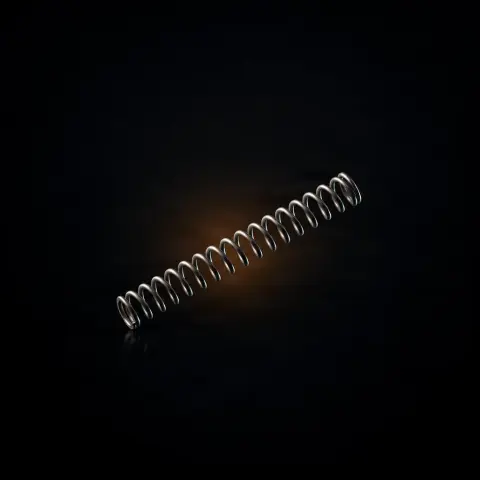
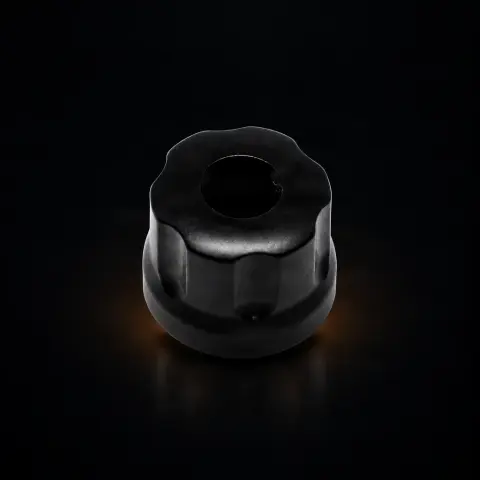
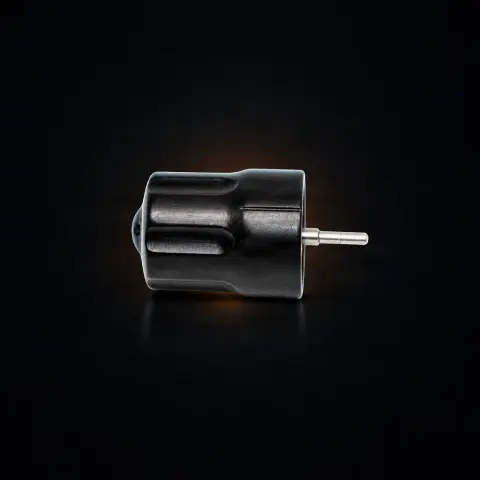
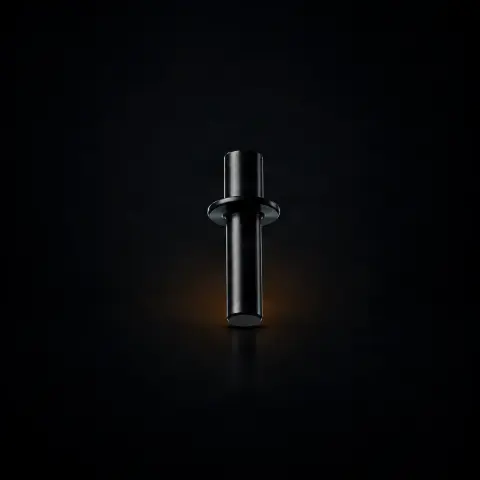
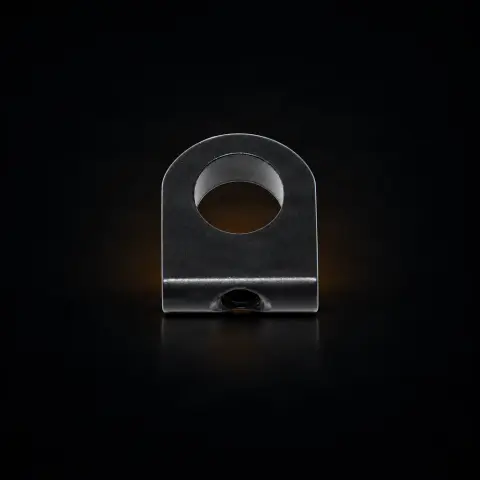
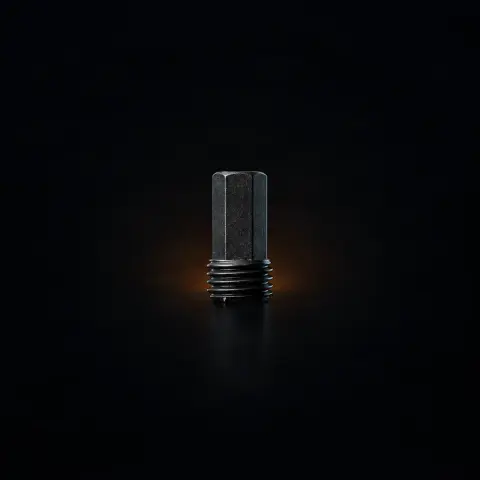
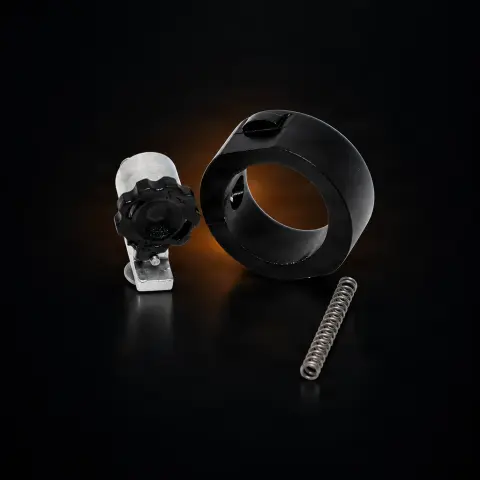
The Counterweight No. 117 is an original Ink Machines replacement part for the Scorpion X1 rotary machine. Its role is to dynamically balance the rotary mechanism, compensating for the eccentric mass of the cam and needle bar, so that the machine runs smoothly with minimal vibration. It is intended for artists who own a Scorpion X1 and want to restore the machine to factory balance — either as a repair or as a spare part in the workshop.
Does part No. 117 also work on Scorpion X2?▾
No. Counterweight No. 117 is calibrated for the Scorpion X1 architecture. For the X2, there is dedicated part No. 217, with its own specifications. The two are not interchangeable — using the wrong part unbalances the machine instead of balancing it.
What exactly does a counterweight do?▾
It dynamically balances the rotary mechanism. The cam and needle bar form an eccentric mass which, at high speed, generates unbalanced centrifugal forces. The counterweight, placed opposite on the motor shaft, compensates for this mass, resulting in smooth operation with minimal vibration — useful for precise lines and less hand fatigue.
Does it need to be replaced periodically?▾
No. It is a passive component, with no active wear, and under normal conditions it lasts the entire life of the machine. You only replace it if it is physically damaged — deformed or cracked — usually from a drop or rough handling.
How do I know that vibrations are coming from the counterweight?▾
By elimination. Abnormal vibrations can have multiple causes — worn cam, loose needle bar pin, swash assembly, bearings, or motor. Systematically check each component; if everything is fine and the machine has suffered an impact, a deformed counterweight becomes the main suspect.
Do I need special tools to install it?▾
Installation involves accessing the motor shaft by internally disassembling the machine. Precision tool kit No. 90 is recommended, along with consulting the Scorpion manual. After installation, check the balance by manually rotating the shaft before fully reassembling.
How do I keep the machine clean while working on it or with it?▾
Work with clean hands, on a disinfected surface, to avoid introducing dirt into the mechanism. During the tattoo session, cover the machine body and cable with a protective cover/barrier and disinfect the machine body between clients. The part does not touch the skin, but the machine works in a sterile environment, so machine hygiene matters.