

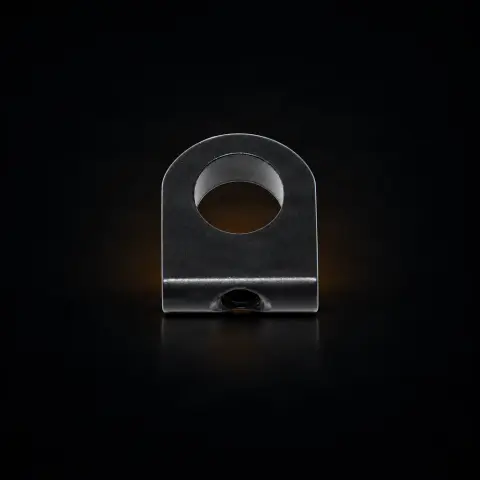
Inkmachines nr. 75 - Motor bracket assembly - 1pcs
Ink MachinesSpecifications
- Brand
- Ink Machines
- Packaging
- 1 pcs
Useful guides:Piese de schimb Ink Machines — Dragonfly, Stingray, Scorpion, Cobra: ghidInkMachines — mașini suedeze și piese de schimb (Dragonfly, Scorpion, Stingray, Cobra)Întreținerea mașinii de tatuat: piesele de schimb esențiale
Guide & full description
Complete guide: Inkmachines nr. 75 - Motor bracket assembly - 1pcs
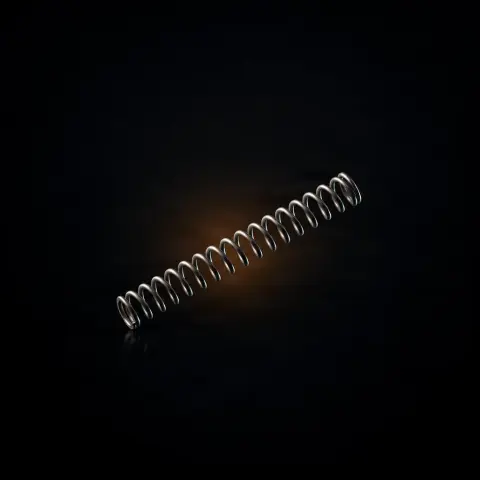
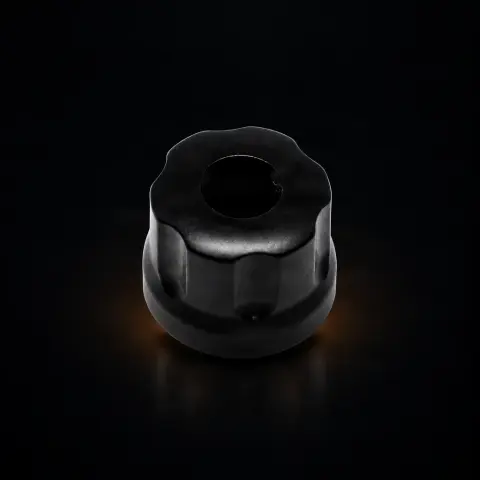
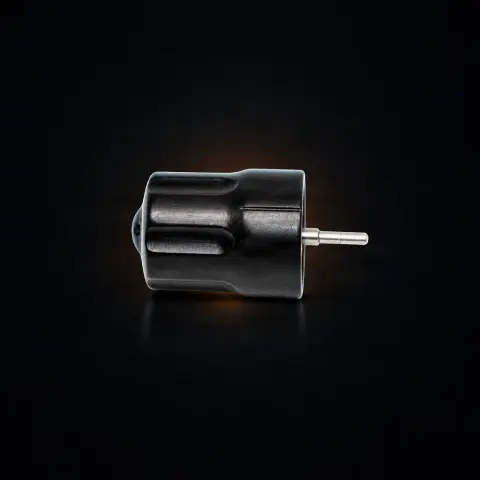
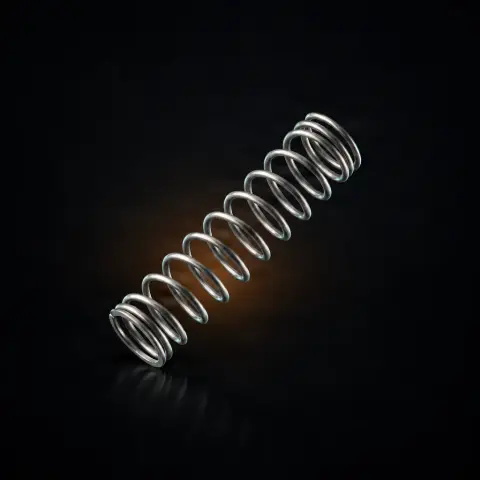
This is the original spare part no. 75 (Motor Bracket Assembly) for Ink Machines rotary tattoo machines from the Stingray series — the metal support that secures the motor in the machine body, keeps it aligned with the rotary mechanism, and dampens vibrations. It is intended for artists who already own such a machine and need to replace a worn, loose, or damaged bracket. It is not an accessory used directly for tattooing, but an internal structural component of the machine.
How to use
- First, check compatibility with your machine by part number (no. 75) and model (Stingray series). If you have a different Ink Machines model, confirm on tatuat.ro that the bracket fits, as the architecture may differ between models.
- Disconnect the machine from the power source and work on a clean, well-lit surface to avoid losing small screws.
- Remove the old bracket using the Allen keys from the Ink Machines kit (part no. 51). Note the position and order of the screws.
- Remove the motor (motor assembly, part no. 70 for Stingray) from the old bracket if you are reusing it.
- Install the motor in the new bracket and ensure it is perfectly centered, with the motor shaft aligned with the rotary mechanism (cam/bearings).
- Tighten the screws evenly, in successive turns, not one at a time all the way — uneven tightening compromises alignment and accelerates wear.
- Run the machine at low speed and check for abnormal vibrations or resonance noise. A correct assembly should run smoothly and quietly.
- Only after confirming proper operation and covering the machine with a disposable protective barrier can you use it in an actual session.
Tips from us
- Buy the original Ink Machines part: the exact geometry guarantees motor-cam alignment, and a non-original part can introduce lateral forces that wear out bearings and the motor.
- If the machine vibrates or makes noise even with a new motor and bearings, the bracket is a serious suspect — check its integrity and fastening.
- When reassembling, tighten the screws in a cross pattern and evenly; uneven tightening means compromised alignment.
- The bracket does not include the motor. If you also want to replace the motor, order the motor assembly separately (part no. 70 for Stingray).
- Do not modify the bracket to accept a non-original motor — you risk excessive vibrations, misalignment, and voiding the warranty.
- Keep the Allen keys (kit no. 51) handy; they are the tools you need for any intervention on the machine mechanism.
Frequently asked questions
What does the motor bracket assembly actually do?▾
It fixes the motor in the Ink Machines body and ensures perfect alignment of the motor shaft with the rotary mechanism (cam, bearings). Additionally, it absorbs motor vibrations and prevents them from transmitting to the body and the artist's hand. Essentially, it transforms the motor from a loose element into an integrated and aligned part of the machine.
Does the part include the motor?▾
No. The motor bracket assembly (no. 75) is just the support. The motor is ordered separately — for Stingray it is the motor assembly, part no. 70. They are independent parts that are assembled together, allowing you to replace only the bracket (if the motor is good) or only the motor (if the bracket is intact).
Is the bracket the same for Stingray and other Ink Machines models?▾
Not necessarily. Ink Machines models may have different architectures, and the bracket can be specific to each model. Always check compatibility on tatuat.ro using the part number (no. 75) and the exact model of your machine before ordering.
What tools do I need for installation?▾
You need the Allen keys from the Ink Machines kit (part no. 51) to remove the old bracket and install the new one. Precision during reassembly is critical: tighten all screws evenly and center the motor perfectly.
When should the bracket be replaced?▾
When persistent excessive vibrations occur even with a new motor and bearings, when the motor no longer stays fixed and moves in the support, when the bracket shows visible deformation or cracks, when the fixing threads are worn, or when you hear a resonance noise at certain speeds. It is a structural part with a long but not unlimited lifespan.
How is it cleaned and maintained?▾
It does not require routine sterilization, being an internal part. During periodic machine service, you can clean it with 70% isopropyl alcohol. The most important thing for durability is that after any reassembly, the motor remains perfectly aligned and the screws are evenly tightened.
Product description
You might also like

Reviews
No reviews yet. Bought this product? Be the first to leave one.