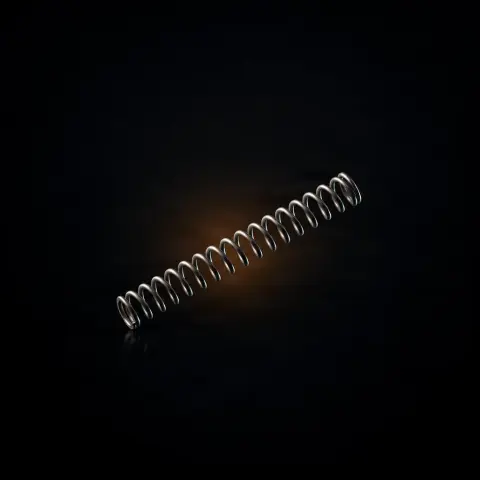
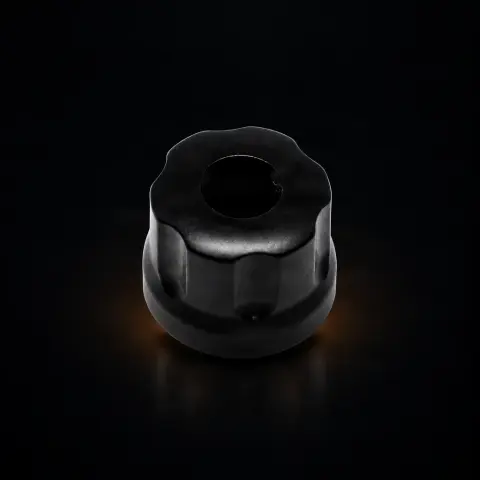
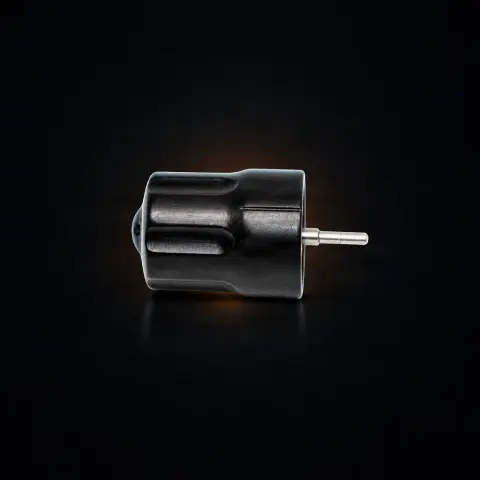
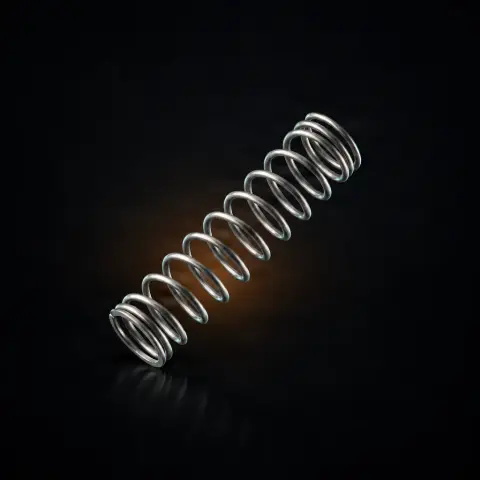
This is the replacement part (cam) with a 3.5 mm stroke in Smooth profile, blue color, for Ink Machines rotary machines. It is designed for artists who work with shading, blending, and delicate techniques — realism, portrait, and black & grey — where smooth and controlled needle penetration matters. Unlike the Standard (black) profile, which delivers a firm impact (hard hit), the Smooth profile makes the transition between stroke extremes more gradual, with a soft hit at the point of maximum penetration. It mounts on the cam bearings and is interchangeable with other cams in the Ink Machines range, so you can adapt the machine to your current technique without owning separate machines.
What differentiates the Smooth Blue cam from the Standard Black?▾
Both have the same 3.5 mm stroke, but the surface profile differs. Standard (Black) produces a hard hit — the needle accelerates abruptly and strikes the skin decisively, ideal for clean, defined lines. Smooth (Blue) produces a soft hit — the needle decelerates progressively, entering and exiting the skin more smoothly, making it suitable for fine shading and smooth gradients.
Can I use the Smooth cam for lining?▾
Yes, but it is not the ideal choice. The Smooth profile is designed for shading and blending. For lining, you need a higher voltage and firmer pressure to compensate for the soft hit, which can tire the hand. For dedicated lining, the Standard Black cam (part no. 80) offers superior performance; many artists own both profiles and alternate between them.
For which tattoo styles is it recommended?▾
It is recommended for realism and portraits (subtle gradients and smooth transitions), black & grey (fine shades achieved through controlled shading), watercolor and blending, cover-ups with controlled ink layering, as well as any work requiring a delicate touch on the skin. The smooth profile allows for multiple controlled passes over the same area.
Does the cam include bearings?▾
No. The cam is sold separately, without bearings. Cam bearings (part no. 67) and bearing washers (part no. 68) are purchased separately or reused from the previous cam if they are in good condition. For a first purchase or an upgrade, a complete set is worthwhile: cam, bearings, washers, and oil.
Which machines is it compatible with?▾
The part is designed for Ink Machines rotary machines and is listed in the data as interchangeable with other cams in the range, which use a standardized shaft. In the product data, it is categorized under Stingray and Dragonfly, but the description also contains an explicit mention 'for Stingray and Stingray X2 only'. Due to this mention, we recommend checking the exact model of your machine before ordering or asking us to ensure compatibility.
How do I maintain the cam and cam assembly?▾
Lubricate the cam and bearings with every change and according to the manufacturer's instructions. Periodically check the condition of the bearings (part no. 67) and washers (part no. 68) — if the machine becomes noisy or operates unevenly, the bearings are usually worn. Keep the parts clean, dry, and dust-free between uses, and during assembly, work on a clean surface to avoid introducing impurities into the assembly.