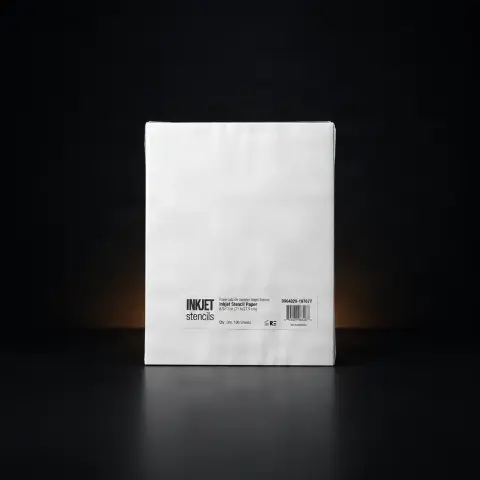
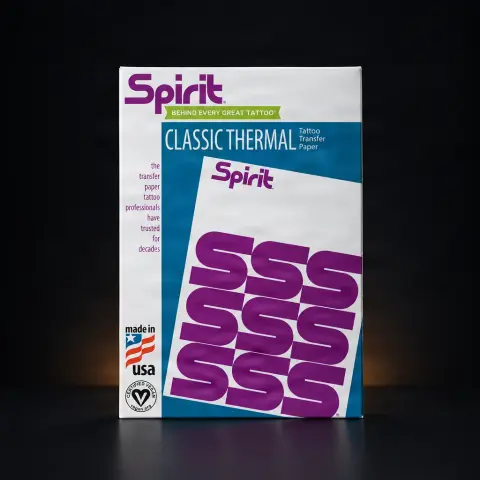
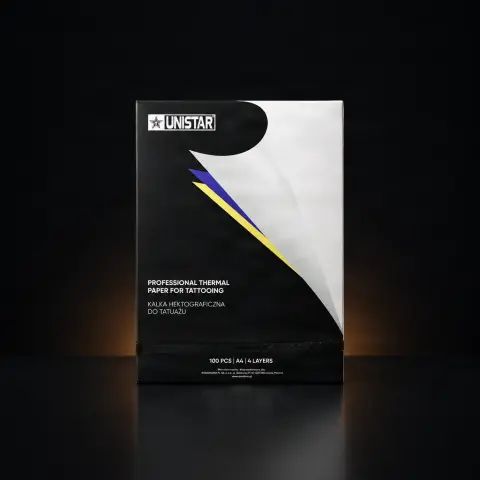
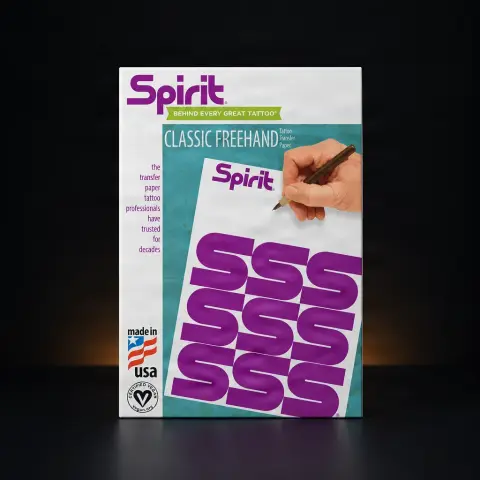
A4 Transfer Paper Elite for printer / manual use

Elite
Cod produs: 582165
2,27 Lei
Fast delivery
Delivery 24-48h
14-day returnsWarrantyDelivery 24-48h
💵 Cash on delivery🔒 Secure order
Quick:
1

Specifications

Brand
Elite
Product type
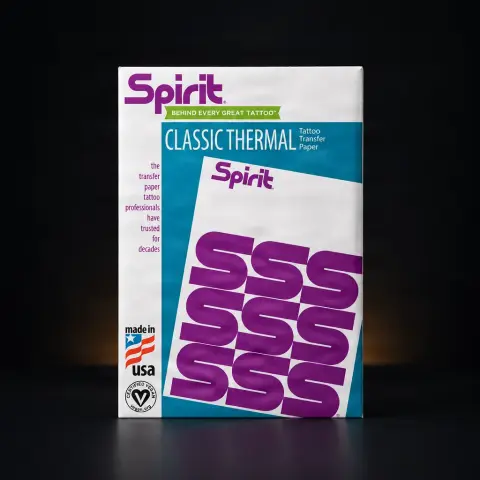
Tattoo transfer paper / stencil
Size
215.9 mm × 279.4 mm (8.5 × 11")
Compatibility
All thermal printers; also suitable for manual use
Structure
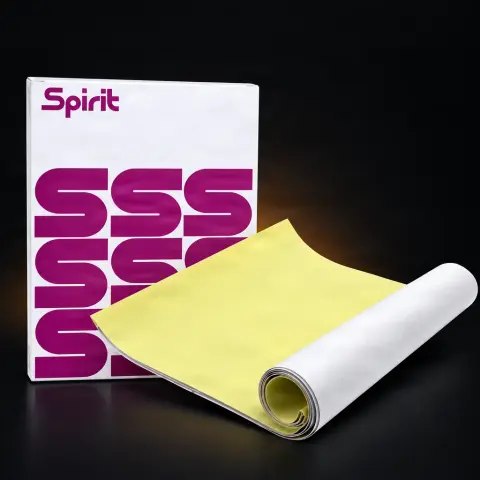
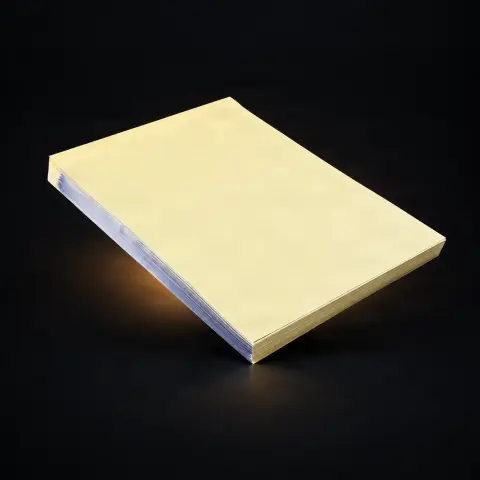
4 layers (white, detachable milky-white, carbon, yellow)
Product code
582165

Ghiduri utile:Foile de transfer pentru stencil: termică vs hectografică — cum alegiHârtie de transfer termică vs hectografică — cum scoți stencilulImprimanta de stencil (thermal) — cum funcționează

Guide & full description

Complete guide: A4 Transfer Paper Elite for printer / manual use

The Elite transfer paper is used to create the design stencil before applying it to the skin, either by manual drawing or by printing the design with a thermal printer. It is an essential step in preparing the tattoo session, ensuring a clear outline to follow with the machine.

How to use

  1. Prepare the design you want to transfer, either drawn or printed.
  2. Remove the second, milky-white layer before use, according to the manufacturer.
  3. For manual transfer, draw or trace the design onto the white top layer, pressing firmly enough for the carbon layer to transfer the purple coating.
  4. For transfer with a thermal printer, insert the sheet into the printer according to its instructions, with the correct layer facing the printing mechanism.
  5. Remove the yellow bottom layer when using the thermal printer, according to the device manufacturer's recommendations.
  6. Check the clarity of the lines on a test sheet before using the stencil on the skin.
  7. Apply the resulting stencil to the prepared area of the skin, according to your usual working practice.

Tips from us

  • Keep the transfer sheets in a dry place, away from moisture, to avoid deterioration of the layers.
  • Handle the sheets with clean, dry hands, so as not to affect the quality of the transfer.
  • Always test a sheet before the actual session, especially if you change the type of printer or the transfer method.
  • Store the sheets flat, without folding them, to prevent crease lines that can affect the clarity of the stencil.
Warning: Transfer paper is a consumable for professional use; use it only for preparing stencils, in accordance with the studio's hygiene rules. Avoid storing it in places with high humidity or high temperatures, which can affect the sheet's layers.

Frequently asked questions

Does this sheet work with any thermal printer?

According to the manufacturer, the sheet is compatible with all thermal printers, being designed for this type of transfer.

Can I use the sheet without a printer, just manually?

Yes, the sheet can also be used for manual transfer, by drawing or tracing the design onto the top layer.

Why does the sheet have four layers?

Each layer has a distinct role: protection against accidental transfer, the actual transfer of the image through the carbon layer, and a base layer that is removed when using the thermal printer.

What size is the sheet?

It has the standard size of 215.9 mm × 279.4 mm, equivalent to the 8.5 × 11 inch format, according to the manufacturer.

How do I know the image has transferred correctly?

Check the white top layer to see if the lines are clear and even before applying the stencil to the skin.

Product description

The Elite transfer paper is an essential consumable for preparing tattoo stencils, compatible with both thermal printers and manual transfer. It is the right choice for artists who need a clear, stable stencil that is easy to apply to the skin before the work session.

Four-layer structure

  • The top layer is white and represents the surface onto which the image is actually transferred.
  • The second layer is detachable, milky-white, and its role is to prevent accidental transfer before use — it is usually removed before use.
  • The carbon layer is the one that, through pressure (manual or via thermal printer), transfers the purple coating onto the top sheet, thus forming the stencil.
  • The bottom layer, yellow in colour, is generally removed when the sheet is used in a thermal printer.

The result is a uniform, high-quality image, easy to read and follow directly on the skin, whether the stencil is made manually, by drawing and pressing, or printed using a thermal printer.

The sheet has the standard size of 215.9 mm × 279.4 mm (8.5 × 11"), according to the manufacturer, and fits naturally into the workflow of any studio, alongside the transfer device used — thermal printer or manual drawing.

You might also like

Reviews

No reviews yet. Bought this product? Be the first to leave one.

You get 25 points for a review, 50 if you add a photo.