

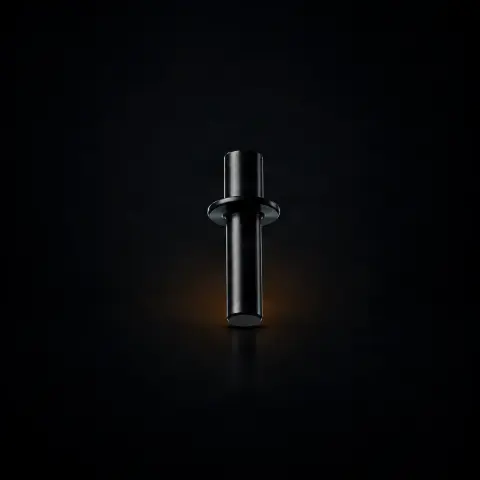
Inkmachines nr. 74 - Shaft support - 1pcs
Ink MachinesSpecifications
- Brand
- Ink Machines
- Packaging
- 1 pcs
Useful guides:Piese de schimb Ink Machines — Dragonfly, Stingray, Scorpion, Cobra: ghidInkMachines — mașini suedeze și piese de schimb (Dragonfly, Scorpion, Stingray, Cobra)Întreținerea mașinii de tatuat: piesele de schimb esențiale
Guide & full description
Complete guide: Inkmachines nr. 74 - Shaft support - 1pcs
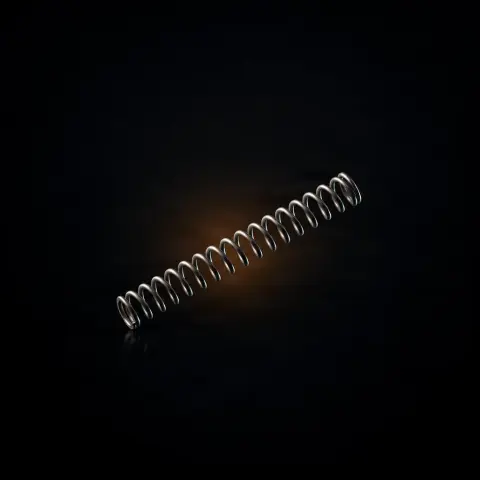
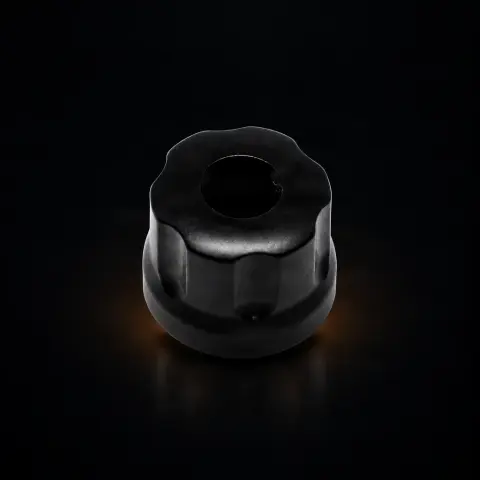
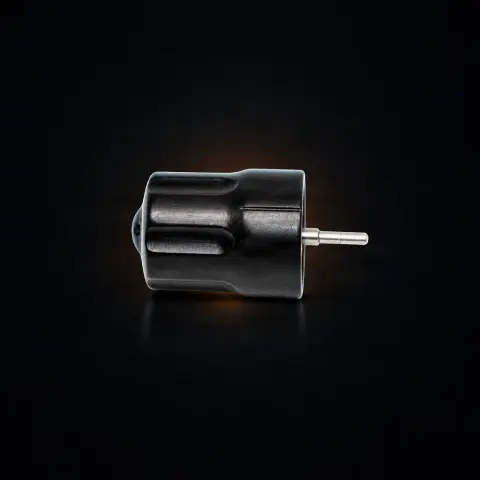
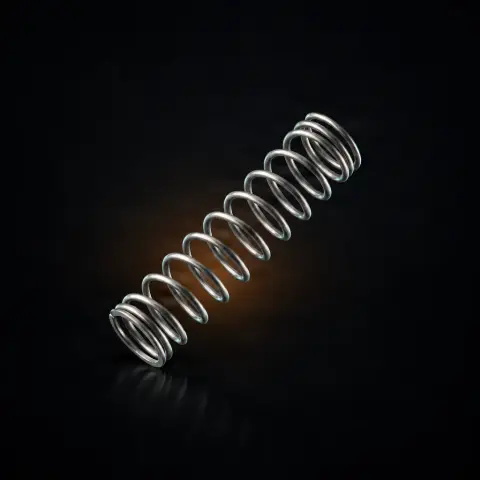
The shaft support (part no. 74) is the structural component within the mechanism of Ink Machines rotary tattoo machines that supports and aligns the main shaft — the one on which the cam and bearings rotate. Although it is not a part you see in action, it is the foundation on which the precision of the entire drive system rests: if the shaft is not fixed exactly, the cam rotates eccentrically and the needle movement suffers. It is intended for artists and service centers that maintain or repair Ink Machines rotary machines (Stingray / Dragonfly) and need an original replacement part.
How to use
- First, confirm you really need this part: check compatibility with your Ink Machines model on tatuat.ro, because the support may have different variants for Stingray and Dragonfly.
- Turn off the machine, disconnect it from the power source, and work on a clean, well-lit, organized surface to avoid losing small screws.
- Disassemble the internal mechanism according to your machine's structure to reach the shaft assembly. You'll need the Ink Machines allen key kit (part no. 51), and possibly circlip pliers (part no. 55) for retaining rings.
- Carefully remove the old shaft support, noting the orientation and order of disassembled parts (take a few photos along the way to help with reassembly).
- Clean the mounting area and contact surfaces of old grease and residues before installing the new part.
- Mount the new shaft support on the mounting surfaces, seated straight, and tighten the screws firmly but without excessive force — the threads and precision-ground surfaces can be damaged if over-tightened.
- Reassemble the mechanism in reverse order and ensure the shaft, cam, and bearings are correctly positioned.
- Test before working on skin: run the machine dry and check that the cam rotates centered, without wobbling, play, or unusual noise.
Tips from us
- Photograph every step of the disassembly — for a structural part, the order and orientation matter more than you think.
- If after replacing the bearings and cam the machine still vibrates or makes noise, suspect the shaft support: its wear often goes unnoticed because it deteriorates slowly.
- Order one in advance as a spare part in your service kit — it's a rare replacement, but when you need it, you don't want the machine down for days.
- During reassembly, test the rotation idly before any actual session; a few seconds of testing will tell you if the alignment is correct.
- If you haven't worked inside an Ink Machines machine before, treat this as a serious service operation, not a quick grip change.
Frequently asked questions
What exactly is this part used for?▾
The shaft support (part no. 74) supports and aligns the main shaft on which the cam and bearings rotate. Without this support, the shaft has no stable fixing point, the cam would rotate eccentrically, and the drive mechanism would work erratically. It is essentially the structural element on which the precision of the entire rotary system rests.
How do I know it needs replacement?▾
Typical signs: perceptible shaft play in the support even with new bearings, worn threads that no longer hold screw tightness, material deformation or cracking, or noise and vibration that persist after you have replaced other moving components. Check the support at every major service and replace it if you notice shaft-level play or compromised alignment.
Is it the same for all Ink Machines machines?▾
It is part of the Ink Machines catalog, but it may have specific variants for models such as Stingray and Dragonfly due to the different architectures of the two machines. Always check exact compatibility with your model on tatuat.ro before ordering.
Can I install it myself or do I need service?▾
Installation involves significant disassembly of the internal mechanism and precision during reassembly to ensure correct shaft alignment. It is one of the more complex service operations. If you have experience with Ink Machines machines and the right tools, it can be done at home; if not, the recommendation is to contact an authorized service center.
What tools do I need for replacement?▾
Mainly the Ink Machines allen key kit (part no. 51) for the machine screws, and for retaining rings, depending on the model, you may need circlip pliers (part no. 55). A clean, organized workspace helps a lot, because these are small precision components.
How do I care for it to make it last?▾
Being a structural part, it wears more slowly than moving components, but it is not immune to damage. Avoid unnecessary disassemblies (each disassembly/reassembly can affect mounting surfaces), do not overtighten screws, and protect it from prolonged contact with disinfectants that can cause corrosion. Keeping the bearings and cam in good condition also reduces vibrations that, over time, fatigue the support metal.
Product description
You might also like
Reviews
No reviews yet. Bought this product? Be the first to leave one.